A home super app for the house and the homelab
I built Maison on the Home Assistant WebSocket API to get the house and the homelab on one screen, with climate controls first because it was about three quarters of 637 hand actions in 26 days.
Speed and endless design possibilities were the main driver for this. HA allowing communication on the WebSocket opened up a slew of possibilities, coupled with design capabilities of Claude models and GPT-6. We also wanted to integrate some data and controls that don’t live in HA.
The result is Maison, a web app launched from the iPhone Home Screen that gives me an overview of both the house and the homelab at the same time. It doesn’t use Lovelace, but is instead built directly on the Home Assistant WebSocket API. The original working name was “mote”, which is my son’s word for remote. I renamed it after a family iPhone dashboard called Maison on r/homeassistant (its code), whose Lights tab is “just a remote”.
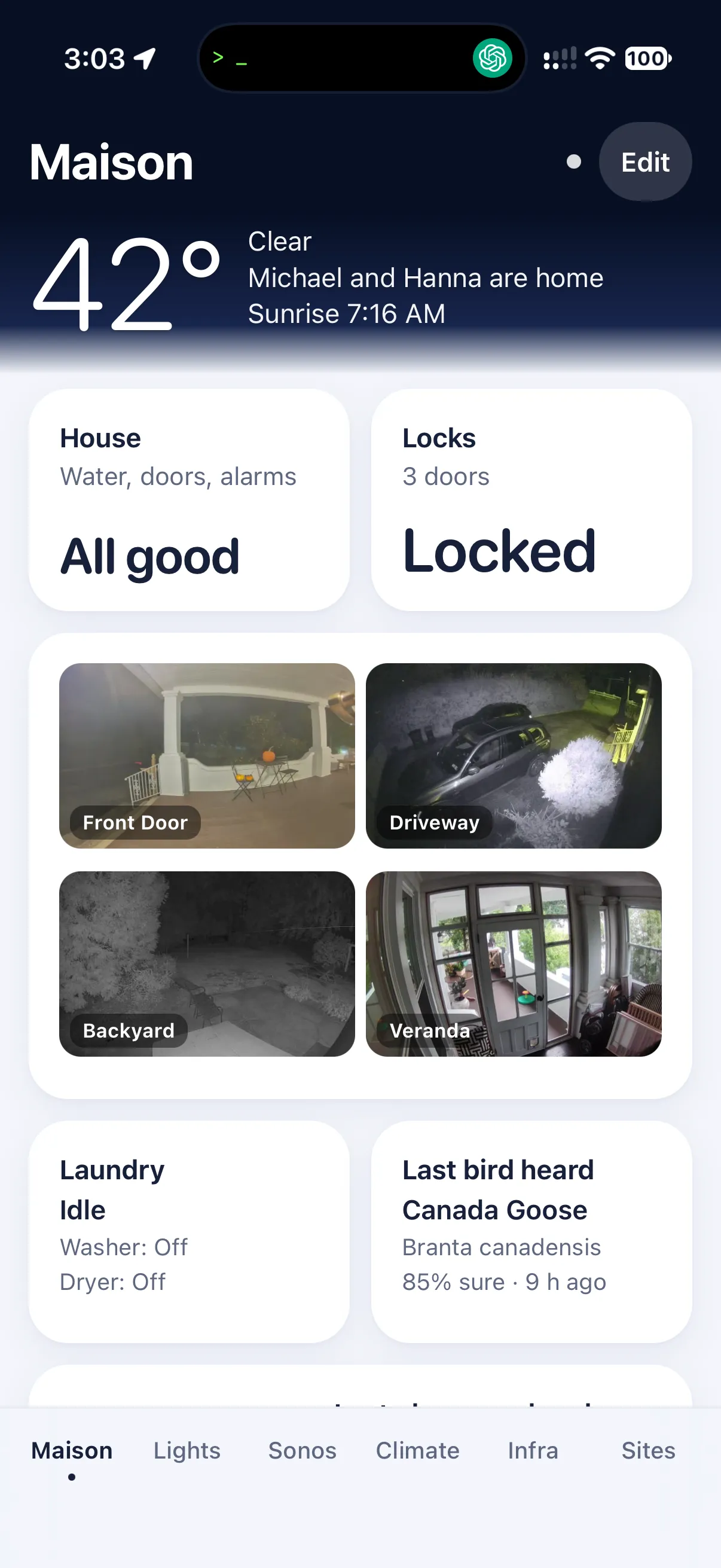
So we did some analysis on the button presses in Lovelace to see what we would need to bring into this build, and as expected it was largely climate related. So shortcuts and one-tap points were key to prioritize. Lights came in second, along with some quick-fix buttons for some TV shortcuts that we use.
Before designing any control, I pulled 26 days of Home Assistant logbook entries through its REST API and filtered them for entries containing a person’s name. Climate control accounts for about three quarters of the 637 manual actions we took in Home Assistant. (Notably, light changes made from the Hue app or a wall switch make it into the logbook without a person attached, so this count misses most of our light usage.)
This insight led to a one-tap setpoint + mode (Auto, Heat, Cool, Off) on each room tile. No sheet to open, just an Undo toast if you tapped the wrong one. I shipped it the same night, as v0.3.0. The tiles write to the room, never to a single head, so the room logic from Nine Mitsubishi mini-splits in Home Assistant for 15 per head still decides what each head does.
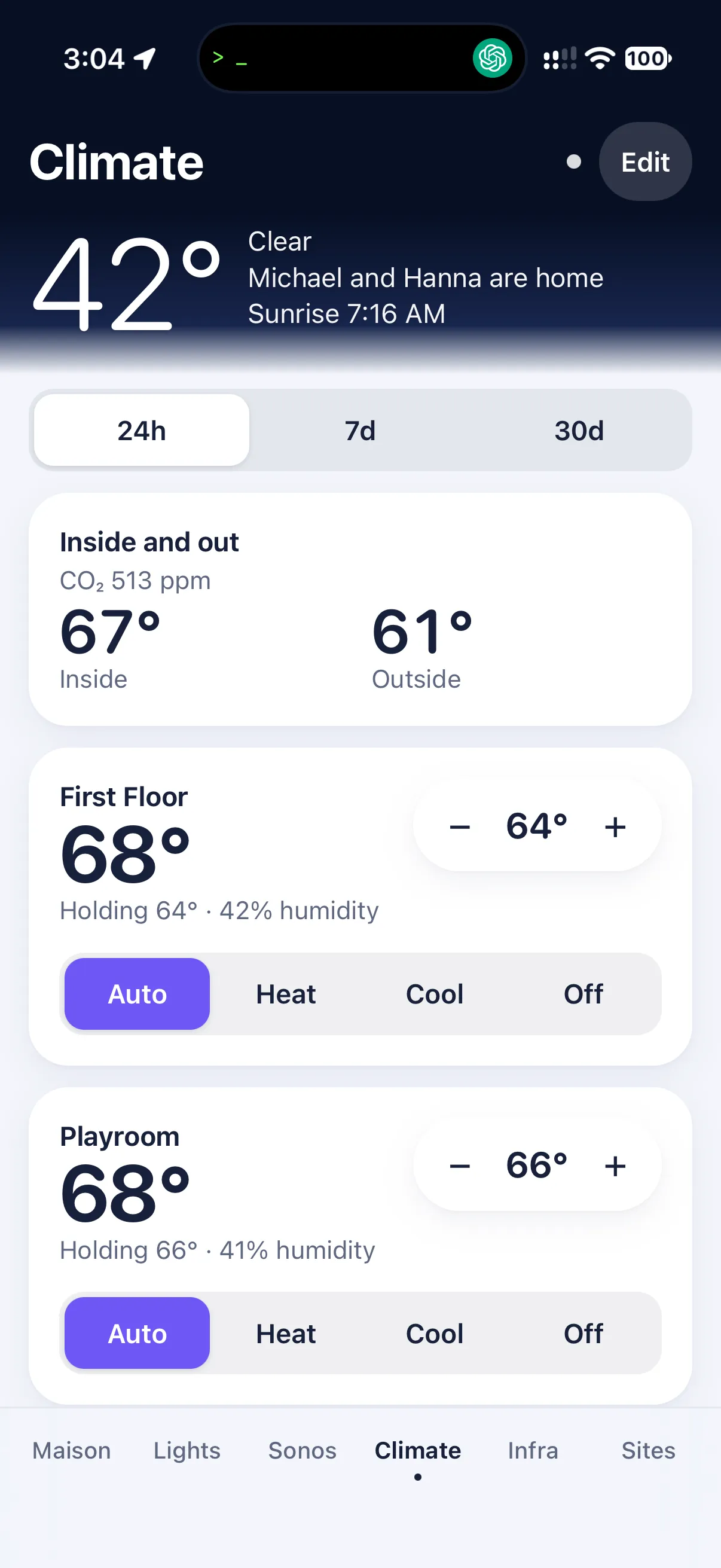
Other data sources like Cloudflare usage, aviary and airspace became nice-to-haves. I was really looking for a combination dashboard and home control that could be a home super app of sorts.
Three days in, I have six tabs (Maison, Lights, Sonos, Climate, Infra, Sites). Sites uses Ten years of site analytics in Loki and Infra uses VictoriaMetrics as the first metrics database on my home server. Hiding a tab is per-phone, so Infra stays on mine. Sites exists because once I had the house tiles working, I wanted to know “where are my site visitor statistics? graphs, charts, visuals?”
In Part 2, I’ll show you how I built it. It’s a single Home Assistant WebSocket feeding a little backend, a tile registry, and a layout I can rejig from the phone. Part 3 is about designing through iteration: the mockups I coded and the one that survived, plus a day of using it on the phone and shipping fixes as I went.