Poolsuite FM on every Sonos in the house, no AirPlay needed
One tap in the Sonos app plays Poolsuite FM from my home server running skinnydip, no AirPlay needed.
When I tap the Poolsuite favorite in the Sonos app, the speaker starts playing Poolsuite FM from my home server. Anyone in the house can pick it, and we have 7 channels to choose from, from the main Poolsuite FM mix, to Tokyo Disco, Hangover Club, and more. And nothing is exposed to the internet.
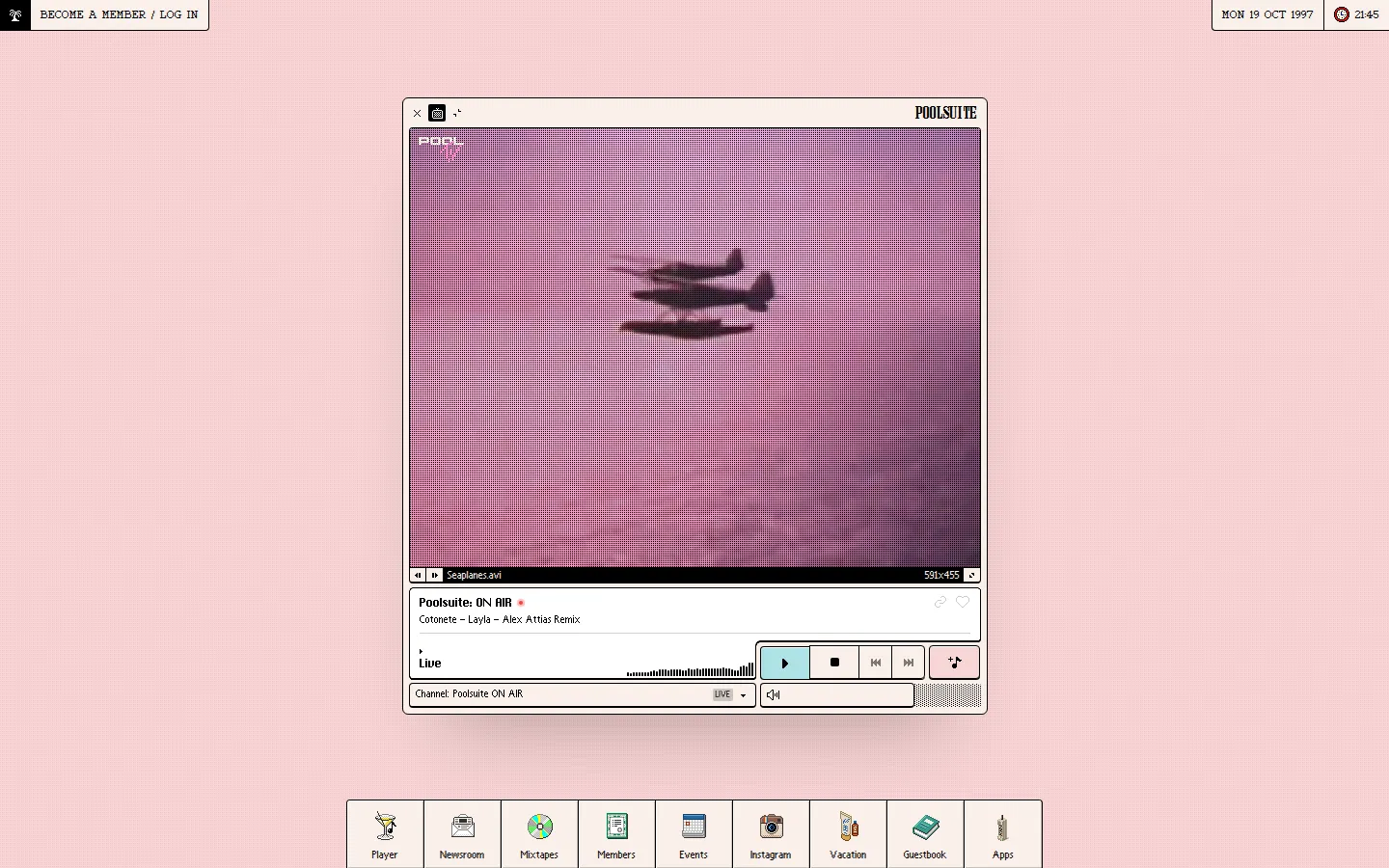
The Poolsuite interface is amazing, but it’s web only, and for Sonos usage, the phone browser running audio in the background over AirPlay had proven to be problematic. So a way over-engineered solution was obviously the move here.
To get the stream from my home network into the Sonos app, I had to do a little trick. The new Sonos app doesn’t support custom music services anymore, so I couldn’t add my own. But I could use a TuneIn Custom URL, which only stores the address on TuneIn’s servers and has the speaker fetch the stream itself over the local network. I’d initially ruled out TuneIn, but then I realized that what I really needed was to get the stream off the internet, which the Custom URL does. One step missing from every guide I read was that I only saw the favorite after re-authenticating TuneIn in the Sonos app (Settings, Services, TuneIn).
The Poolsuite channels are curated playlists of tracks hosted on SoundCloud. skinnydip reads the list of tracks for each channel from Poolsuite, then uses yt-dlp to find the audio for each track on SoundCloud. Finally, ffmpeg stitches everything together into one continuous MP3 radio stream, complete with song titles. Both yt-dlp and ffmpeg sit idle when there are no listeners.
The VPN is part of the design: only the track lookups go through the gluetun VPN container I already run on the server for other services. The actual audio and the Poolsuite track lists come in direct, so the VPN only carries a trickle of lookup traffic. If the VPN goes down, the lookups just fail, back off, and retry automatically.
I made a handful of changes to my skinnydip setup. Song titles now display in the Sonos app, the stream cuts off a minute after the last listener leaves (so nothing plays to an empty house), and cold starts send silence until the music is ready (so the first tap works, no second try needed).
The biggest change was running the transcoder at real time with ffmpeg’s -re. Without it, ffmpeg would transcode at download speed and pile up audio in the listener’s buffer way faster than it could play. Now it paces itself, memory usage dropped from 7.9 GiB to about 120 MiB while streaming, and the Sonos song titles no longer run hours ahead of the actual audio.
It’s deployed the same way everything else is: a little Docker stack in my home-infra repo, deployed with Dockhand (see How a deploy works with Dockhand). It has an autoheal healthcheck that restarts it if it stops answering, and I get a Grafana alert if failed tracks start piling up in an hour. It’s stateless on purpose, so there’s nothing to back up.
This unlocks a few things: I don’t need AirPlay anymore, the speaker can grab the stream itself so no phone needs to stay awake or at home, and I only need my phone to be on the home Wi-Fi once to add a favorite.
Home Assistant gets the same stream via a script so I can play any channel on any speaker. I have 8 room buttons which set a known starting volume before playing. One more starts a synced Downstairs group: Living Room, Kitchen, Parlour, a Roam. Being a script, any automation can start Poolsuite in a room at a set volume. The TuneIn trick works for any LAN stream so any of them can become a Sonos favorite.
Next up, I need to figure out how to refresh playlists without a restart, since skinnydip only fetches them at boot. I also need to pin the yt-dlp version so a rebuild doesn’t change it. After that, I’m adding physical remotes to the speakers: SYMFONISK remotes to ZHA and retiring the IKEA hub.