Reliability & operations · Build log
My backup strategy
I pull my iMessages, Gmail and iCloud Photos home to my own server, then copy them to two local disks and an offsite the server can't delete.
I want to back up my private data properly, and that includes my cloud storage.. iMessage, Gmail, iCloud Drive. All my messages, email, and family photos are on someone else’s servers, so I wanted copies that I controlled.
Messages, Gmail, and iCloud Photos all have legs pulling them to the home server. The iMessage archive mirrors the Messages database and attachments to ZFS nightly, Gmail goes to OpenArchiver (which I wrote up in OpenArchiver a self-hosted Gmail archive), and Photos arrive via The always-on Mac. iCloud Drive is the only source without a leg yet.
The home server is the canonical copy. Everything I want to keep lands on a ZFS mirror, which sanoid snapshots every 15 minutes. Every dataset has a stated backup class, so nothing goes unbacked by accident. My laptop’s Time Machine backups also live here, on a Samba share (Samba for Time Machine five things that broke on day one).
The biggest surprise in the pool inventory was that the Time Machine share’s snapshots were pinned at ~550 GB. How could a backup of a backup hold more than half a terabyte? It turned out that the share was using the same long-lived snapshot template as the archive datasets. But Time Machine maintains its own history, so ZFS only needs to protect the sparsebundle from self-corruption. Matching the retention to that job dropped the snapshots to 27 GB.
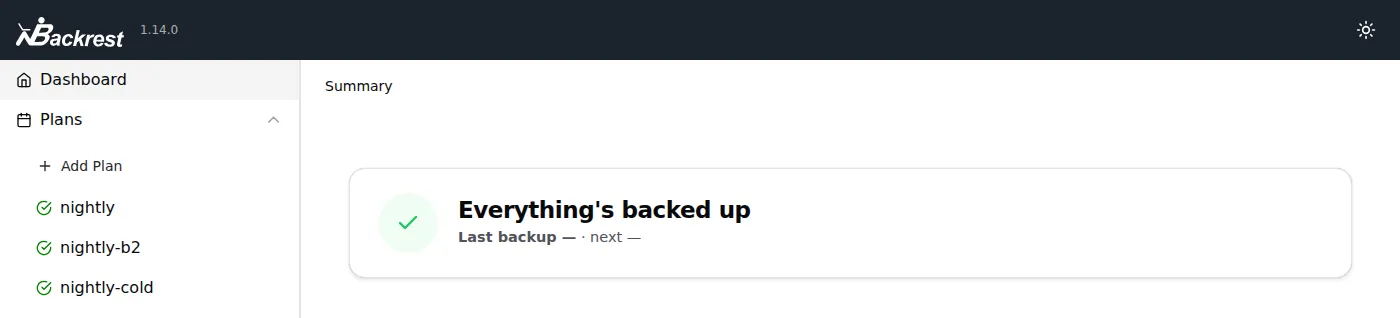
The second tier consists of two local copies on different disks. A nightly Backrest run invokes restic to write to a USB disk. An old SSD I had lying around became the second local repo, on a different device and bus, so the two local restores share no failure. Restic needs no ZFS beneath it, so the SSD runs plain ext4.
Backblaze B2 is my only offsite, and the server can’t delete there. I gave the server an application key that allows adding backups but not deleting them, so even a totally exploded (or compromised) server couldn’t wipe the offsite copy. I’m manually pruning old snapshots once a quarter with a short-lived key that I create and then revoke immediately after. The pennies-per-quarter growth cost means skipping a quarter isn’t the end of the world, but leaving a delete key on the server certainly would be.
Having all my private data in its own bucket means I can move it to a colder tier or just drop it later without disturbing the main repo. At $3.50 a month or so for the offsite, it’s easy to weigh against the cost of losing everything.
Photos are the newest addition. These flow from iCloud to the always-on Mac, get exported with osxphotos, then up to the server and out to B2 (more in Photos iCloud is a sync service not a backup). I’ll do a post on restore testing across all tiers later.
iCloud Drive is next, following the same pattern. It’ll be pulled home from the same always-on Mac, into an append-only dataset on the server, then on to the same local and offsite tiers as everything else.